
Institutional Market Intelligence in Your Pocket
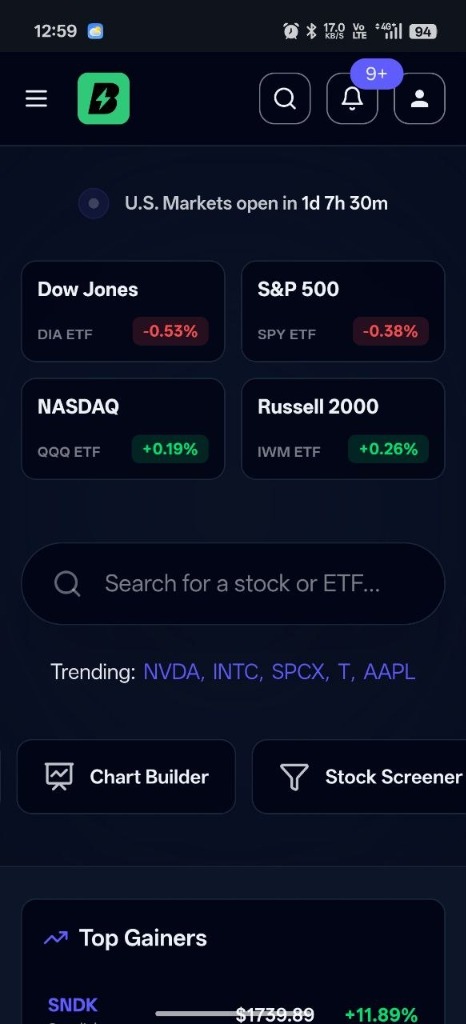
Install the bestshares app on your smartphone or tablet for a faster, native-like experience. Get instant access to accurate financial insights, market research tools, and customized alerts without needing an App Store download.
Financial Insights & Tools
Accurate market data, in-depth research & analytics.
Native Performance
Instant load times with zero app store updates required.
Push Notifications
Real-time alerts for earnings, news, and price moves.
Privacy First
Lightweight footprint directly on your home screen.
How to Install
Follow these simple steps to add bestshares directly to your mobile home screen.
Tap Safari Share Button
Open bestshares.com in Safari, then tap the Share button in the bottom navigation bar.
Add to Home Screen
Scroll down the action sheet options and tap "Add to Home Screen".
Confirm & Enjoy
Tap "Add" in the top-right corner to place the app on your home screen.